Design, and getting through review
Screens that feel native, and a submission built to pass first time.

One app, built once for iOS and Android. We take it through store review, and can keep it working as phones and operating systems change.
Mobile app development for any one of these: the people who buy from you, your team working away from a desk, or the machines you need to keep an eye on. Booking, payments, site checks, orders, records — whatever the app has to do.
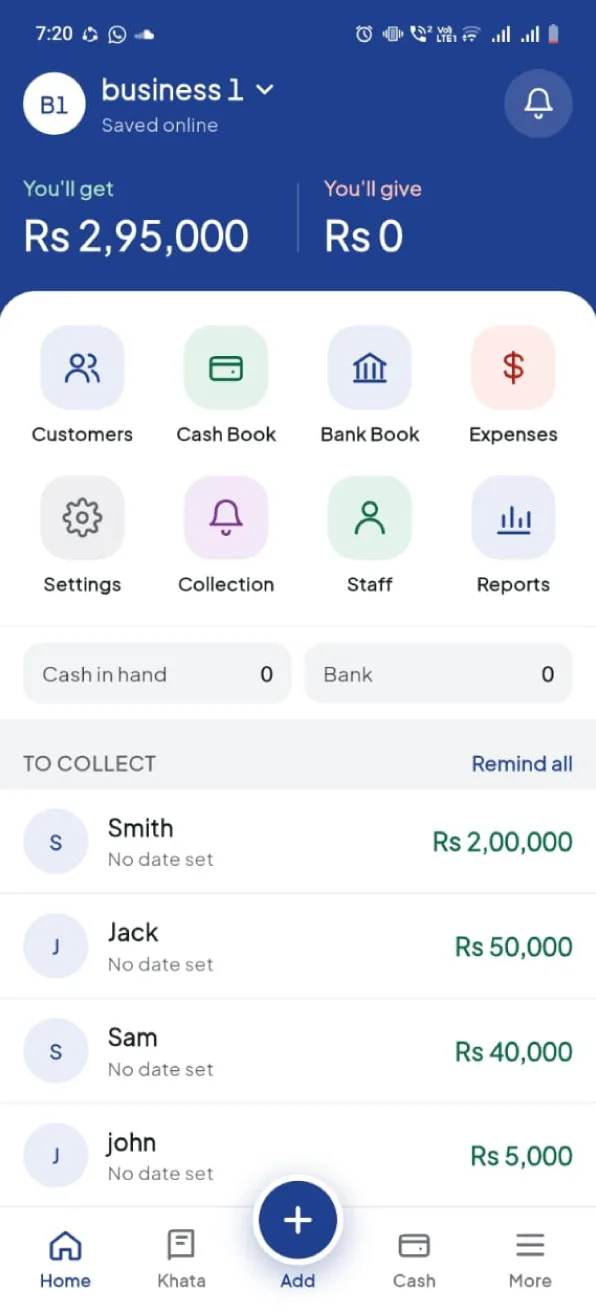
Accounts, booking, payments, tracking and self-service — the app your customers install.
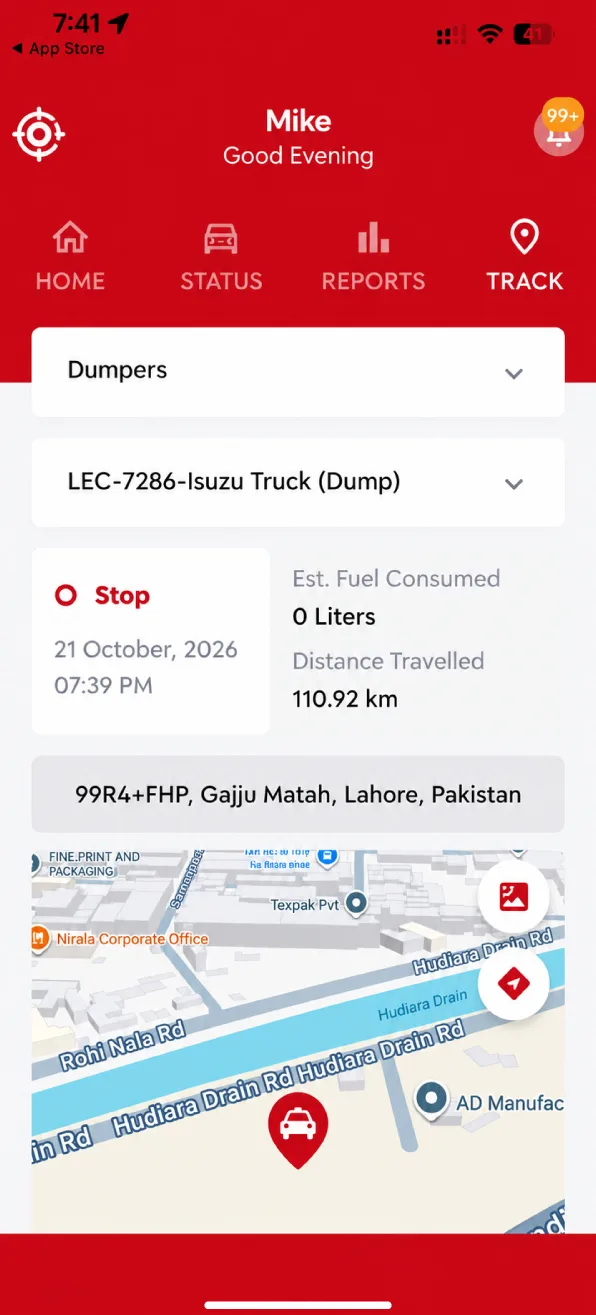
See what your own machines are doing, get an alert when something goes wrong, and control them from a phone.
Job sheets, checks, readings and approvals for your own staff, working away from a desk.
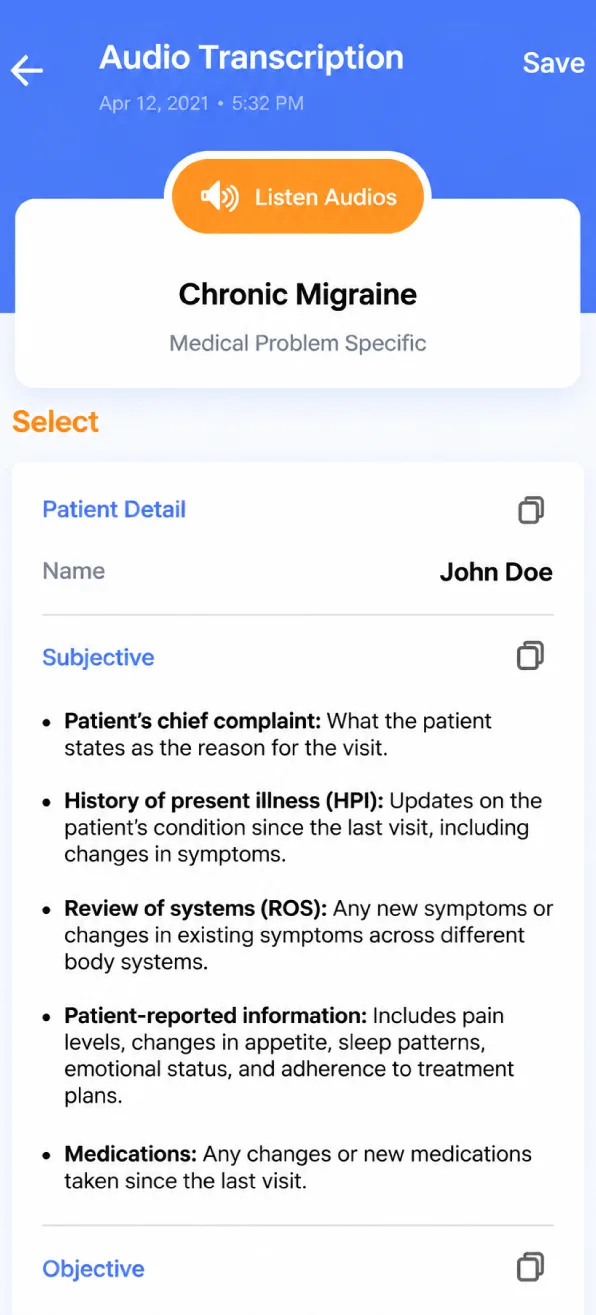
Screens that feel native, and a submission built to pass first time.
Sign-in, data, notifications, and the admin screens your team runs it from.
New versions, OS upgrades and the fixes that keep an app working.
Your project might need one of these, all three, or other things like testing, analytics or work inside the systems you already run.
We learn who will use the app, which phones they have, and what they need to do on the go.
We design the screens and the flow for both iOS and Android, and plan the back end behind the app.
We build with one shared codebase and test on real phones as we go.
We prepare the app-store submissions and release the app — then keep it updated, if that is what you want.
Examples rather than the whole of our work. We build apps and, where the owner wants it, keep shipping releases long after launch.
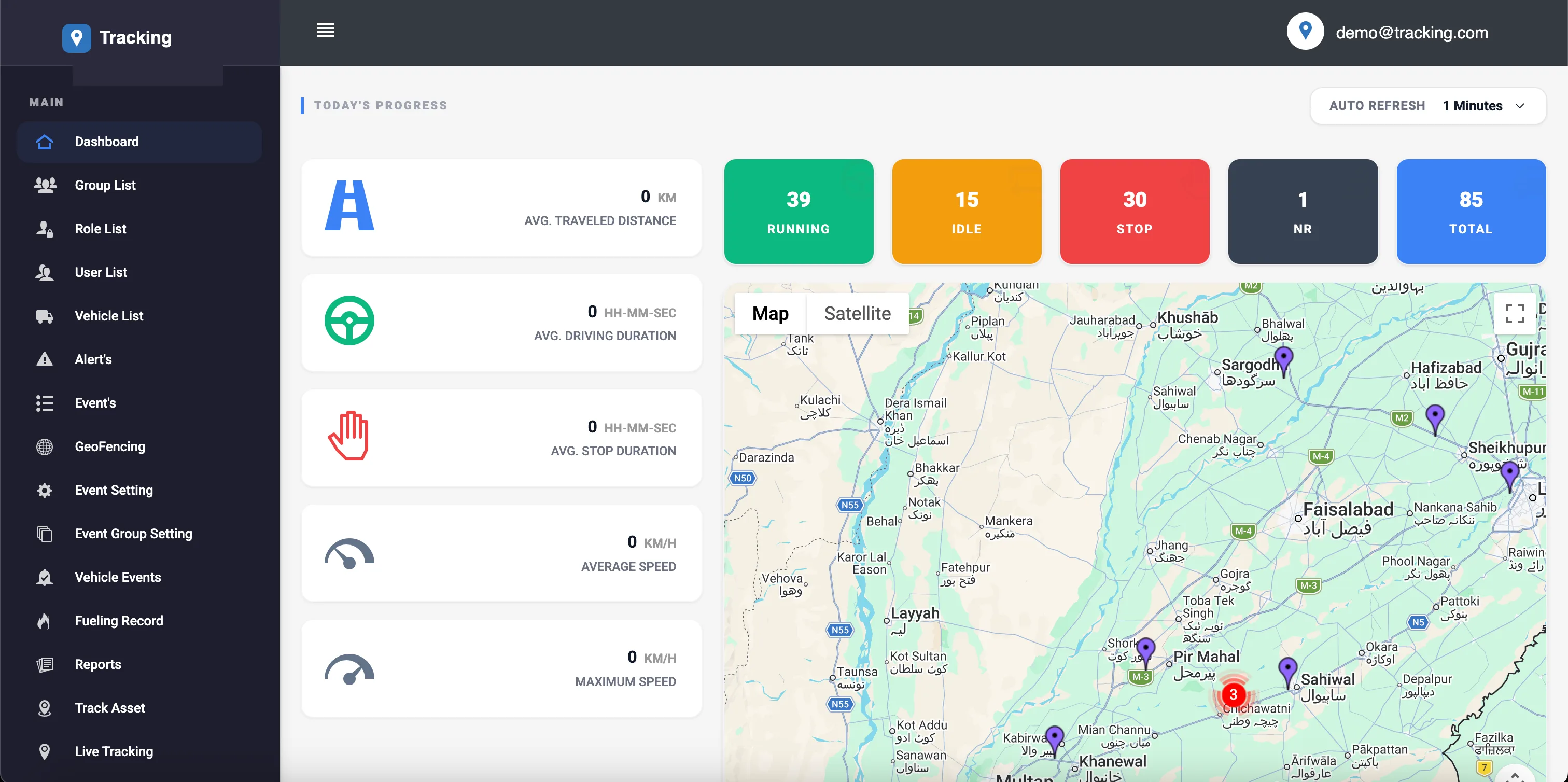
A fleet tracking and fuel monitoring platform for a large logistics company that serves business and government clients. It has four connected parts, and Eiglou has built and maintained it for three years.
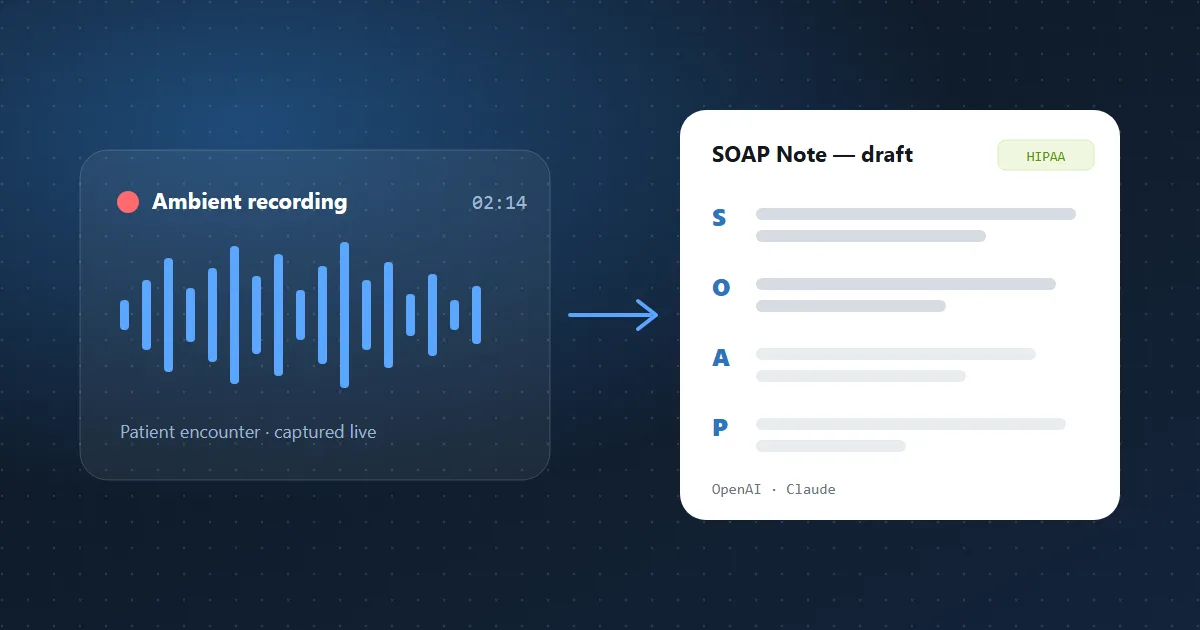
An AI scribe that listens to patient visits and writes clinical notes for the doctor to review. It includes templates, letters, coding support and a full HIPAA compliance programme.
Our platform tracks fleets for some of the largest corporate names in the country, so the bar for reliability is unforgiving. Eiglou handles that scale and the demanding requirements that come with it — the system just keeps running, and changes get turned around fast.
They built our product carefully and got the hard parts right — the architecture, the HIPAA work, and the way the AI is put together. It was done well, and they still look after it for us.
Yours would be the next one. Tell us what the app has to do and we will tell you what the first release should be.
Some of what we settle early, taken from apps we built. Each one gets expensive once the app is on real phones.
The server pushes while somebody is watching, and stops when nobody is.
Delivery is the easy part. Knowing what is worth interrupting someone for is not.
What stays on the phone is a compliance decision before it is a technical one.
Not everyone updates on release day, so the back end keeps answering the older versions.
We have shipped production apps in both Flutter and React Native. Everything else here is the service behind the app.
The choice follows what the app has to do and what your team can maintain after we hand it over. Where a feature needs native code we write the Swift or Kotlin for it, and if your own team already runs one of these we work in it.
Mobile app development is one cost: the build. Keeping the app current after that is separate work, which your team can take on or ask us for.
Everything up to the day somebody can install it, store review included.
Separate work, and only if you ask for it. What it takes to still be installable next year, which your own team can do instead.
You know what version one does, and the budget has to be certain.
The roadmap does not stop at launch.
It is live and whoever built it has gone, often with the keys.
Tell us if you also want a build your team can release without us, or a runbook a new developer can follow, and it goes into the work.
We have shipped production apps in both Flutter and React Native, so we are not defending a favourite. Cross-platform for most products; native where the app needs widgets, a watch, CarPlay or something only one platform offers.
Both stores read the build against their own rules before it appears. Most of the work is passing first time: permissions explained, a privacy policy in the app, a way to delete an account.
You do. The developer accounts are in your name, the signing keys are yours and so is the code. A supplier holding those holds your product, and it is the most common way a client gets stuck.
Usually. We review the code and what you still hold — the accounts and signing keys are the parts that bite — then say what is worth keeping before quoting.
Yes. The app talks to a back end, so the work is the API between them: we use yours where there is one and build one where there is not.
Worth deciding early. Showing what was already loaded is straightforward. Letting someone change things with no signal, then merging it afterwards, is a much larger piece of work and we price it separately.
An app earns its place when it has to keep working while closed, send notifications that must arrive, reach Bluetooth, NFC or biometrics, or run long sessions with no signal. If people mainly read pages, find you by searching, or use it once rather than weekly, a mobile site is cheaper and faster to change — and Apple will not accept a repackaged website in an app icon. Tell us what the app would do that a site cannot and we will say which it is, including when it is the cheaper one.
Usually yes: one codebase makes the second platform a small addition rather than a second project. Where one is genuinely enough, we will say so.
Still deciding? Tell us what you are building and we will tell you what the first release should be, and what it would take.
Tell us about your mobile app project. We will reply with what we would build first and what it would involve.